

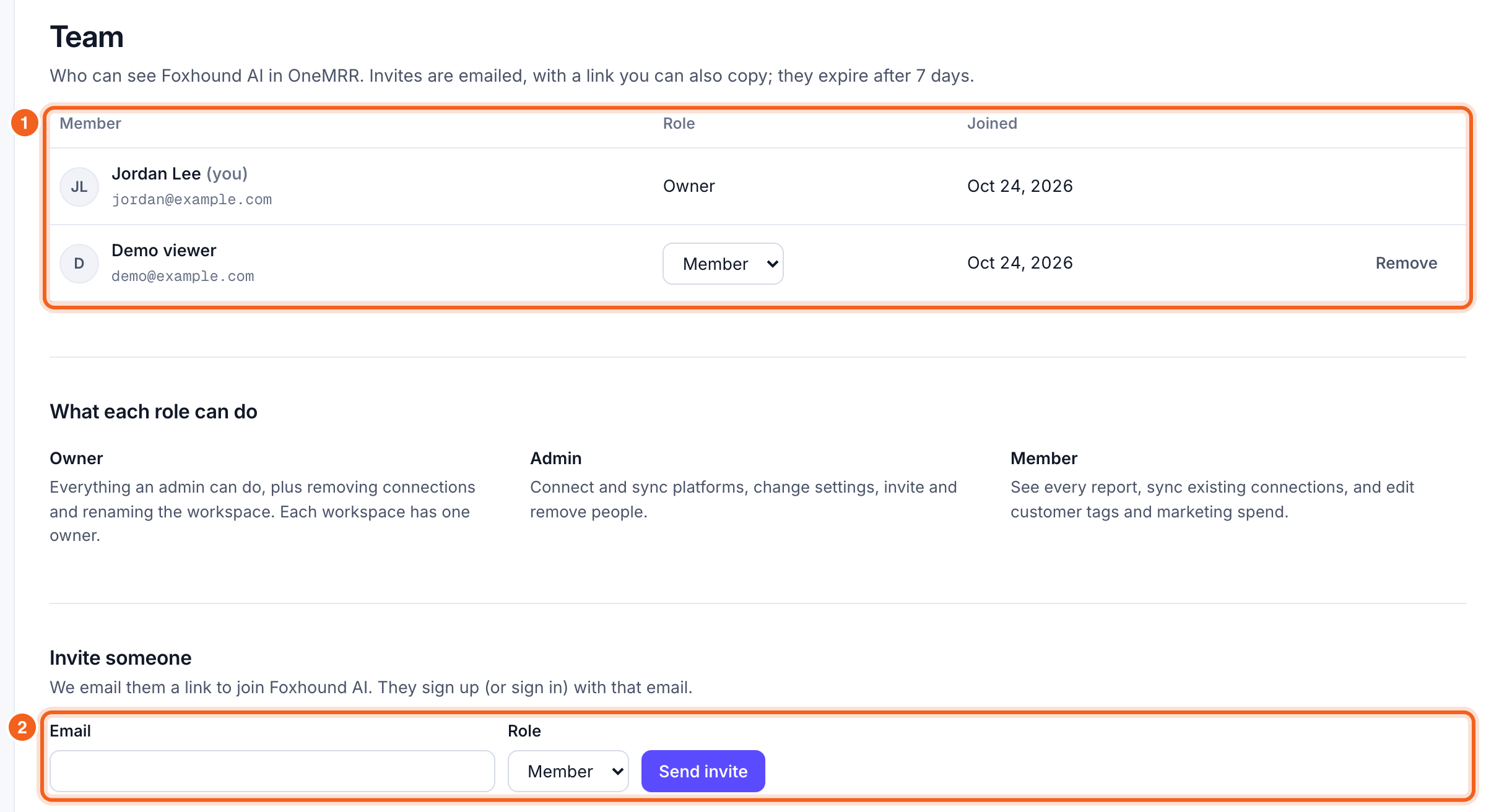
Roles
Owners and admins can change someone’s role or remove them from the list.
Invite someone
Under Invite someone, enter their email, choose Member or Admin, and select Send invite. They get an email with a link to join; they sign up (or sign in) with that email address. A confirmation appears once the email is sent. Pending invites show in the list with when they were emailed. From there you can:- Copy link: share the invite yourself, in chat or another email.
- Resend: email it again.
- Revoke: cancel it, so the link stops working.