1
Open What changed
Go to Insights → What changed. The first check runs when you first open the page and takes a minute or two; after that it runs every Monday. It covers the last 18 months of your whole business.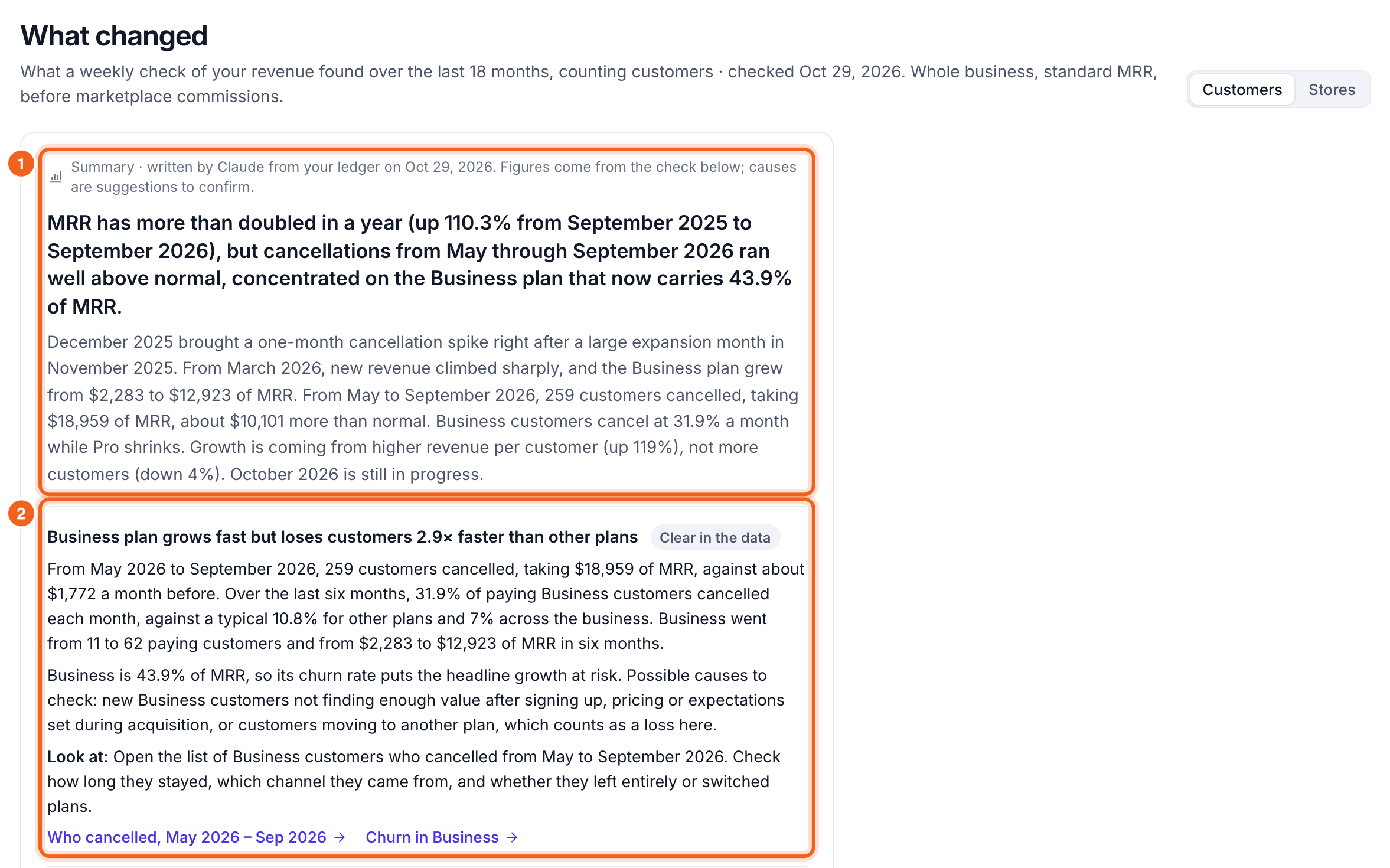
2
Read the findings
Each finding says what moved, by how much, and when, with a confidence label: Clear in the data, Likely or Worth checking. It then gives possible causes to confirm and a Look at link that opens the customers or chart behind it. Everything the check found lists every finding, largest impact first.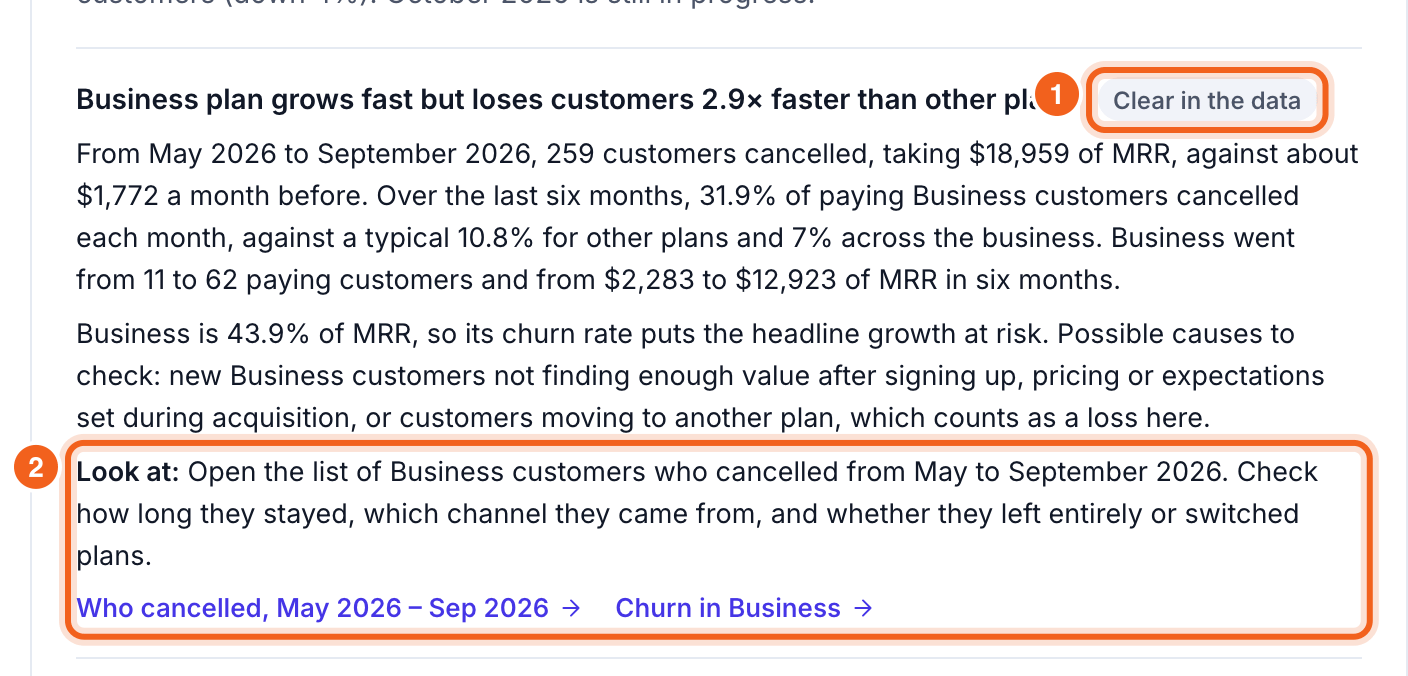
3
Add notes to your timeline
Under Notes on your timeline, add what happened when: a price change, a launch, an outage. Notes show as markers on your revenue charts, and next week’s check uses them to explain the numbers.
4
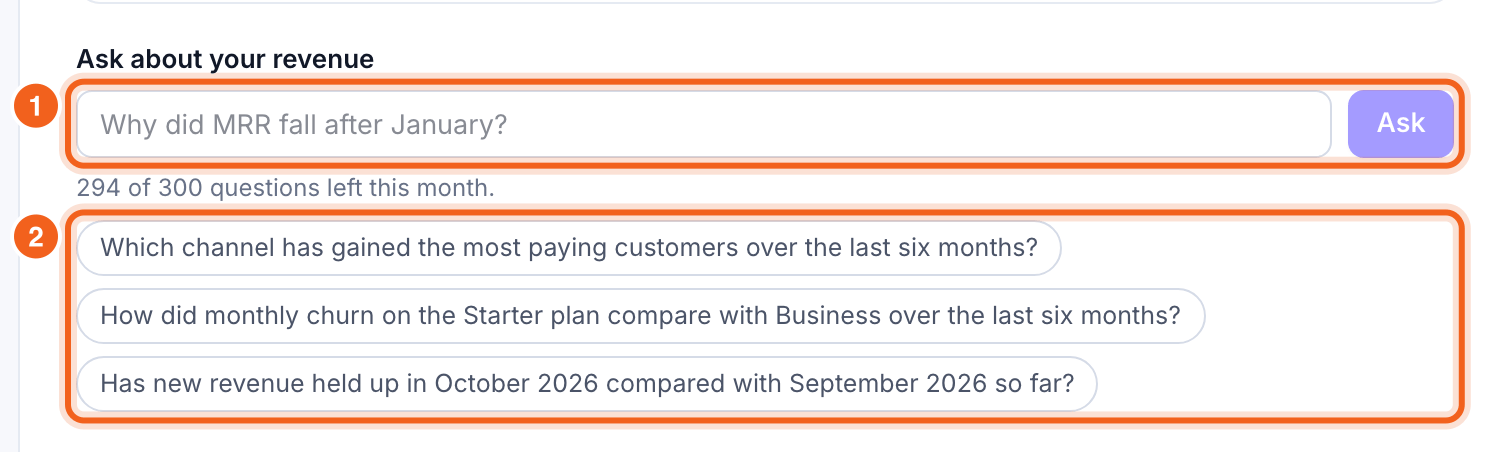
Ask about your revenue (Launch and Growth)
Under Ask about your revenue, ask a question in your own words, or pick a suggested one. Claude answers from the same data as the summary. Launch includes 50 questions a month and Growth 300.