

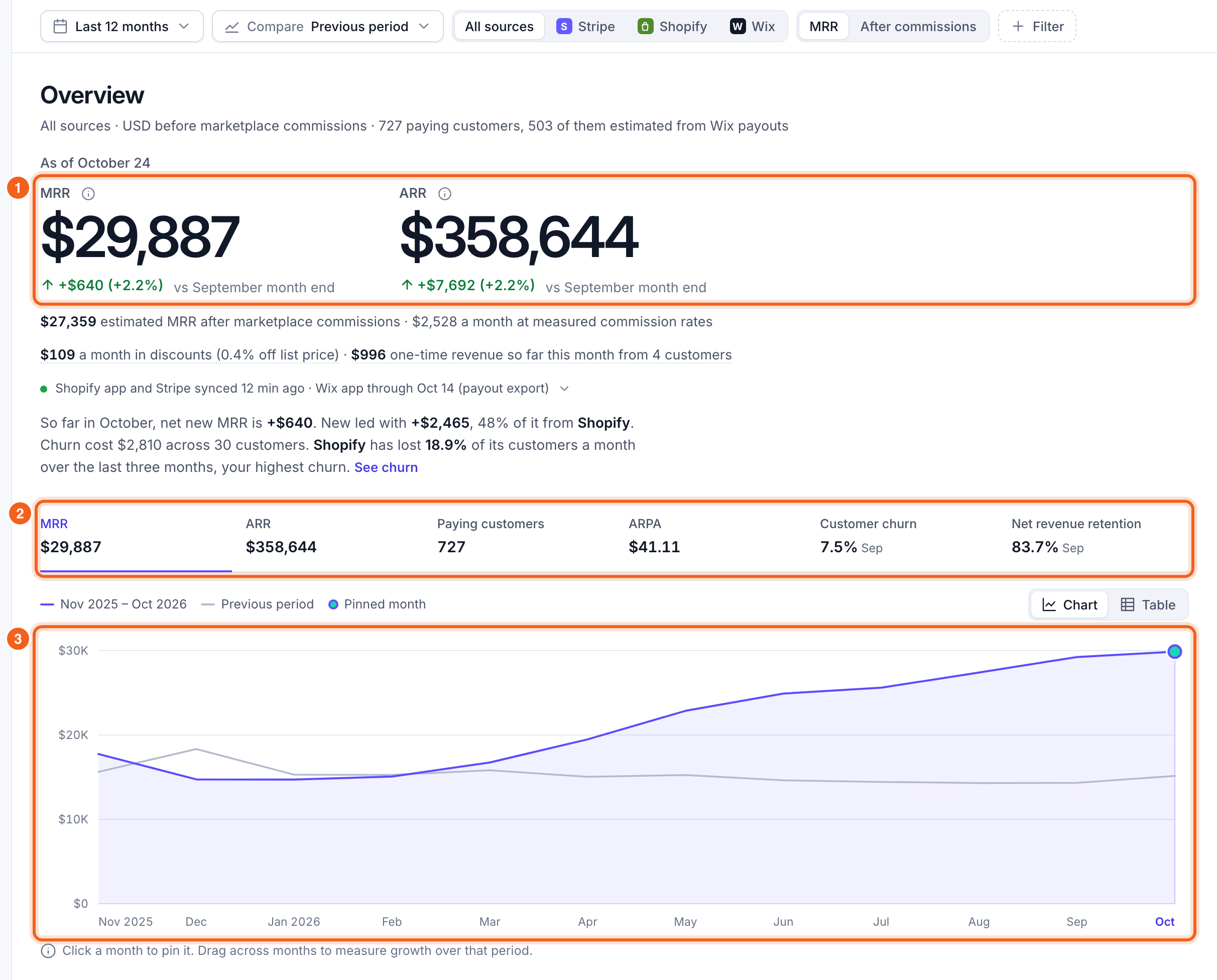
- MRR and ARR. Monthly recurring revenue today, and the yearly run rate (MRR × 12). Each shows the change since last month end. Select the i next to a figure for how it’s calculated. Below them, a sentence sums up the month: net new MRR, what led it, and what churn cost.
- Metric tabs. Switch the chart between MRR, ARR, Paying customers, ARPA (average revenue per account), Customer churn and Net revenue retention. While the month is still running, the churn and retention tabs show the last full month.
- The chart. Select a month to pin it: the bridge and customer lists below switch to that month. Use the arrow keys to move the pinned month. Switch to Table for the numbers.
Measure growth over any period
Drag across months on the chart. A panel shows MRR at the start and end, the compound monthly growth (CMGR), and how much each movement added or took away over that period.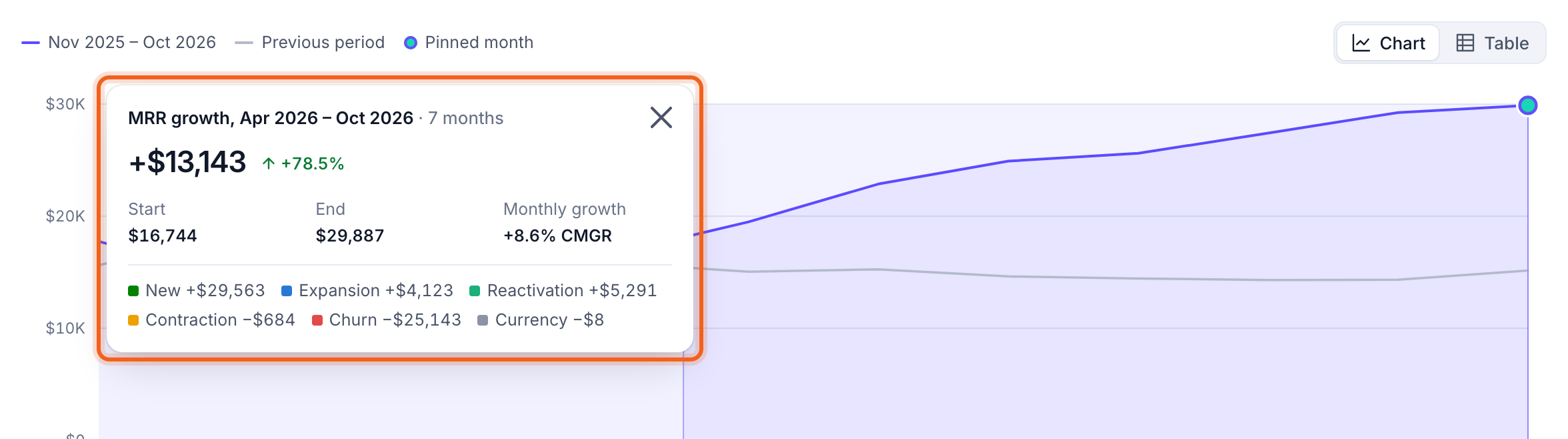
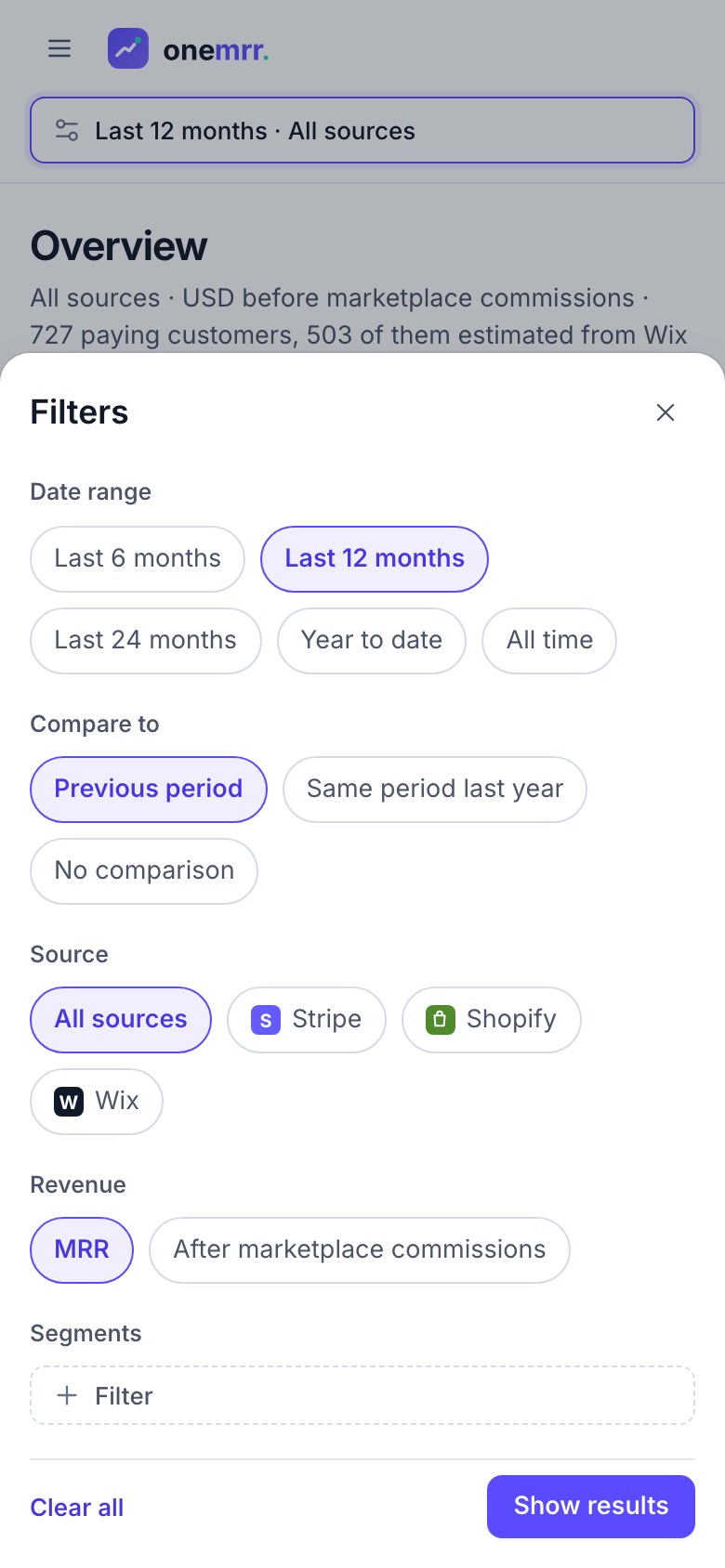
Filter every report
The bar at the top of each report sets what you’re looking at. Report pages keep your choices as you move between them.
- Date range: the last 6, 12 or 24 months, year to date, or all time.
- Compare: the previous period, the same period last year, or nothing.
- Source: all sources, or one platform.
- MRR / After commissions: MRR as customers pay it, or estimated after marketplace commissions, such as Shopify’s and Wix’s fees.
- + Filter: narrow to a billing interval, plan, customer, country or tag. Each filter shows as a chip you can remove.
On a phone
On a phone, the filters fold into one button at the top, such as “Last 12 months · All sources”. Tap it to open the full set, then Show results.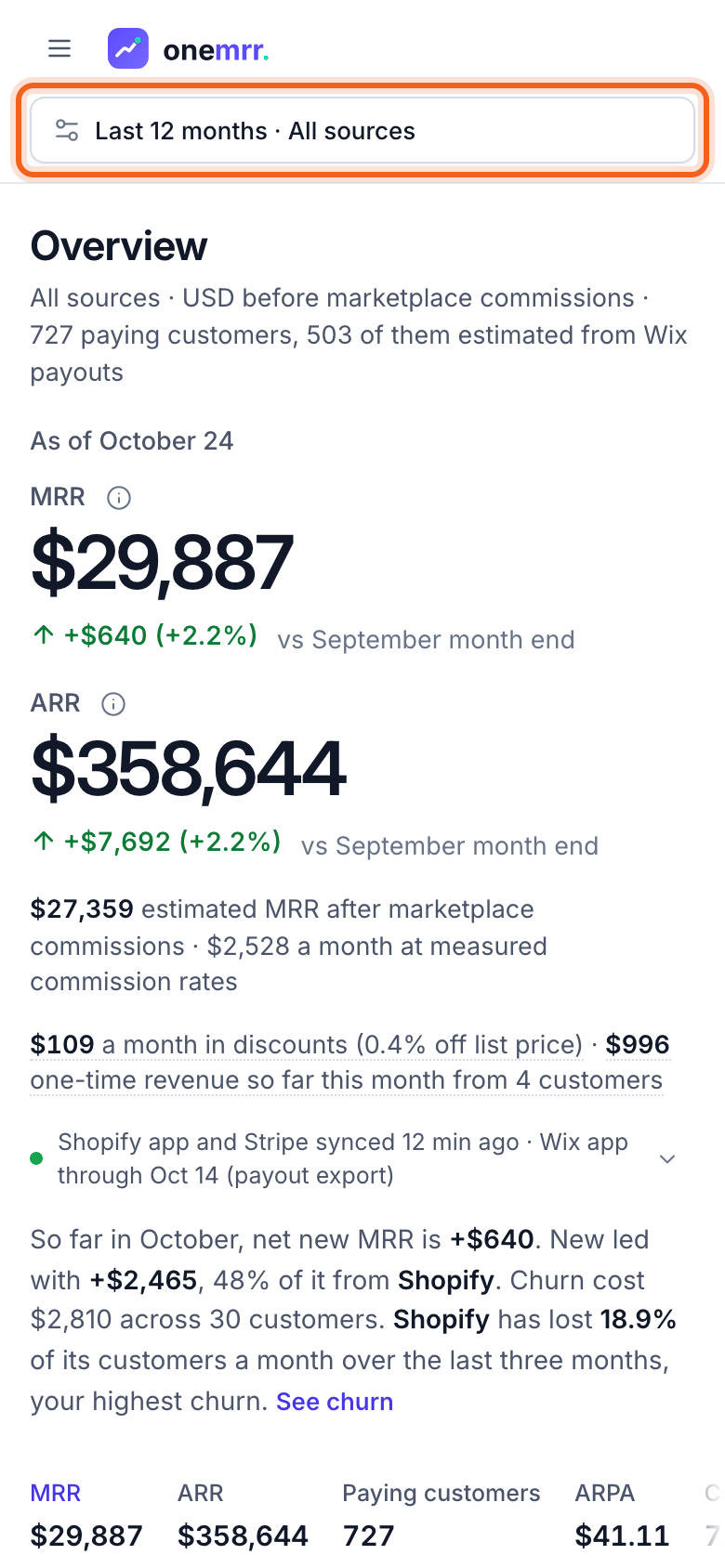
Further down the page
- MRR bridge and Customers behind the change: what moved MRR in the pinned month, and who.
- MRR by: MRR split by plan, source, channel or any breakdown.
- Growth: growth over the last month, 3 months and 12 months.