Follow the progress
Get started shows a progress bar for each source under Import your billing history. It names the current step, such as “Step 3 of 7 · Reading invoices”, and how far through it is.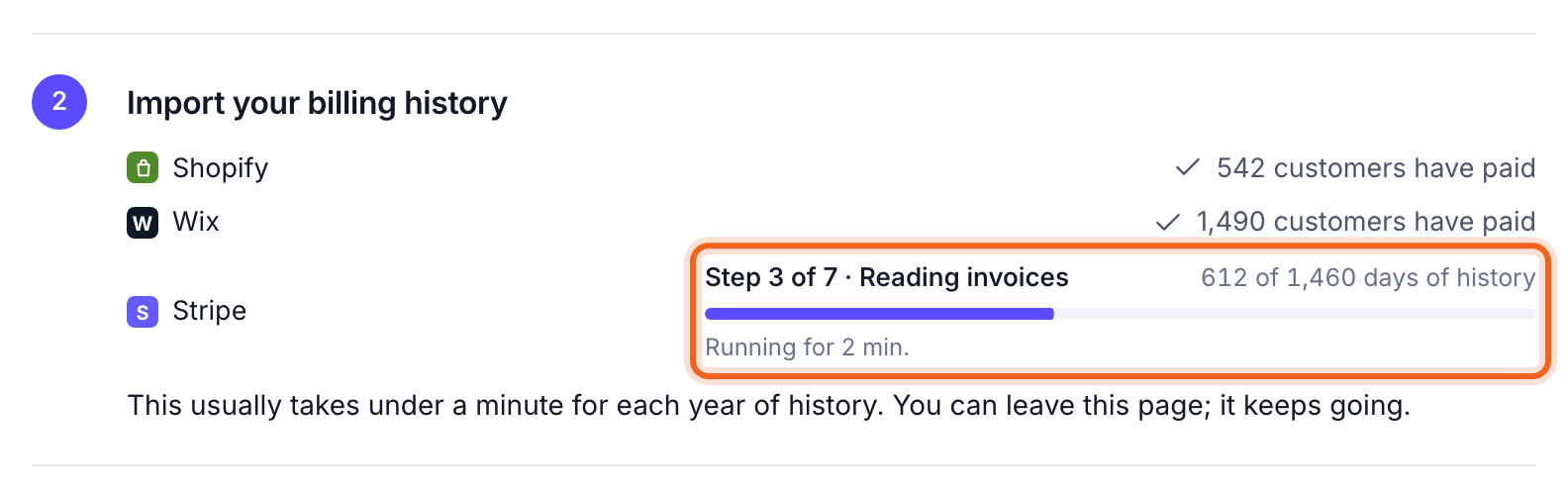
Keep working while it runs
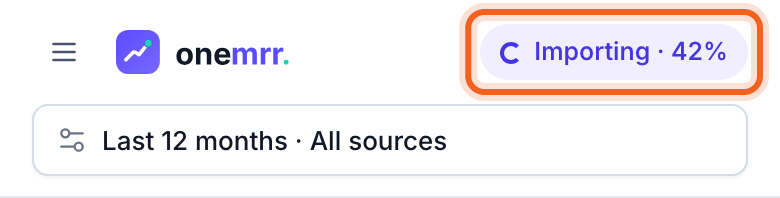
Anywhere in OneMRR, the sidebar shows Importing with the source’s name and a small progress bar. Select Details to come back to it. When the import is done, it says the numbers are up to date.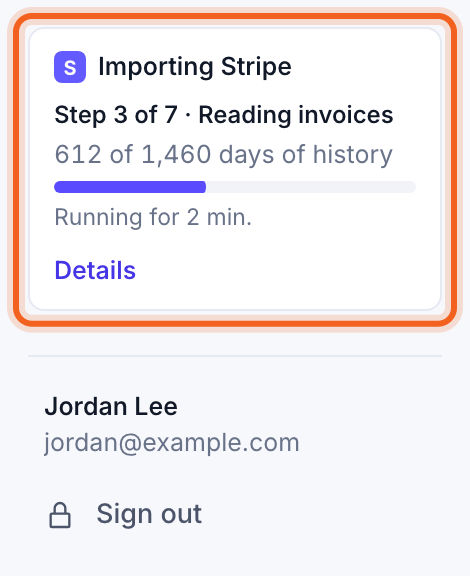
After the first import
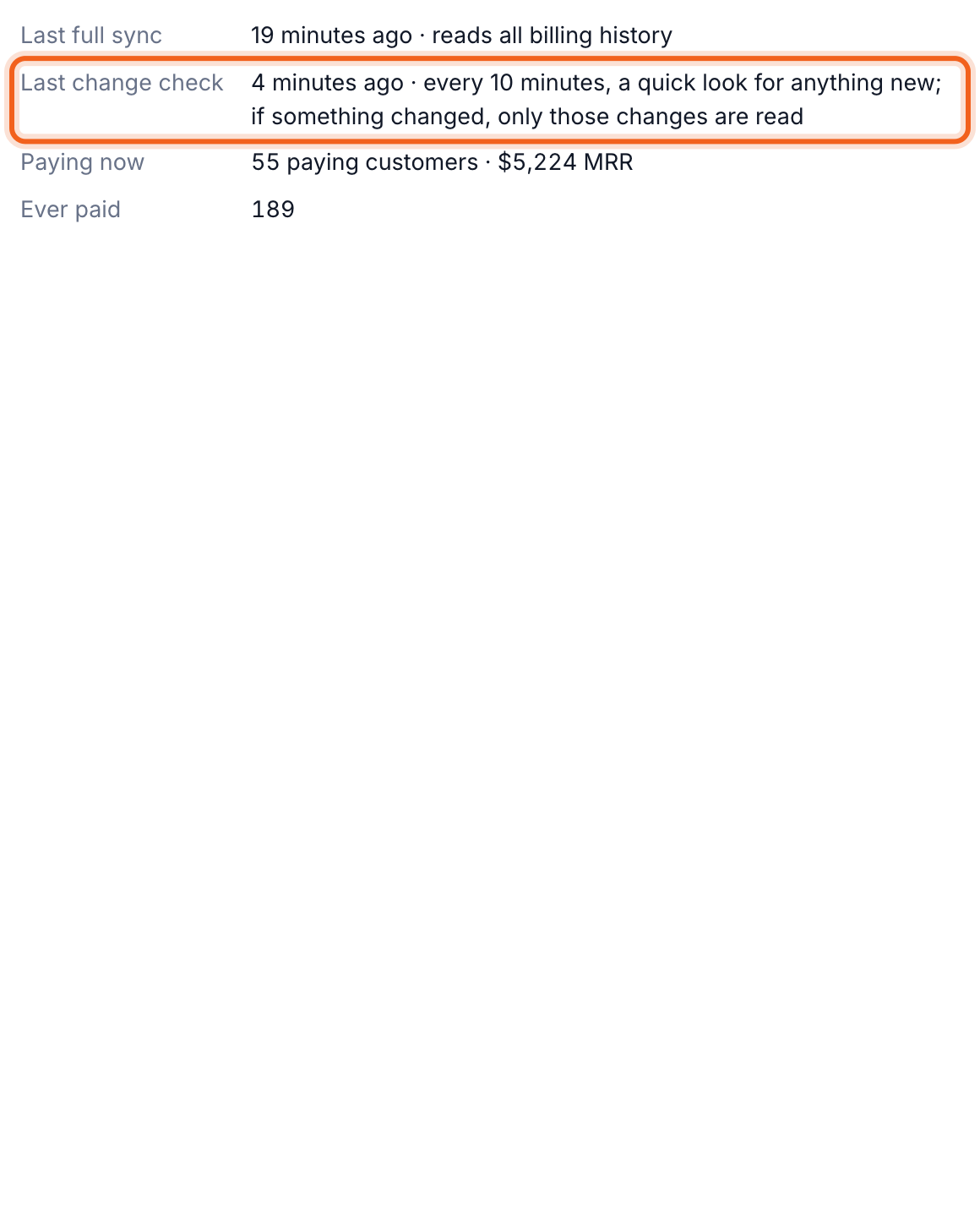
OneMRR checks every source for changes every 10 minutes. For Stripe, only what changed is read. For the other platforms, a change starts a full sync. Each source’s card on Connections shows when it last synced and last checked for changes.