

- Switch between Active, At risk, Churned and All.
- Search by name, ID, email or tag.
- Sort by customer, source, MRR or customer since. The list starts with the highest MRR.
- Export CSV downloads the list.
From a movement to its customers
When you open customers from a movement, such as View all in Customers on the Overview, a chip at the top says which movement and month you’re looking at, such as “New in Oct 2026”. Select the chip to go back to that month on the Overview, or × to see everyone.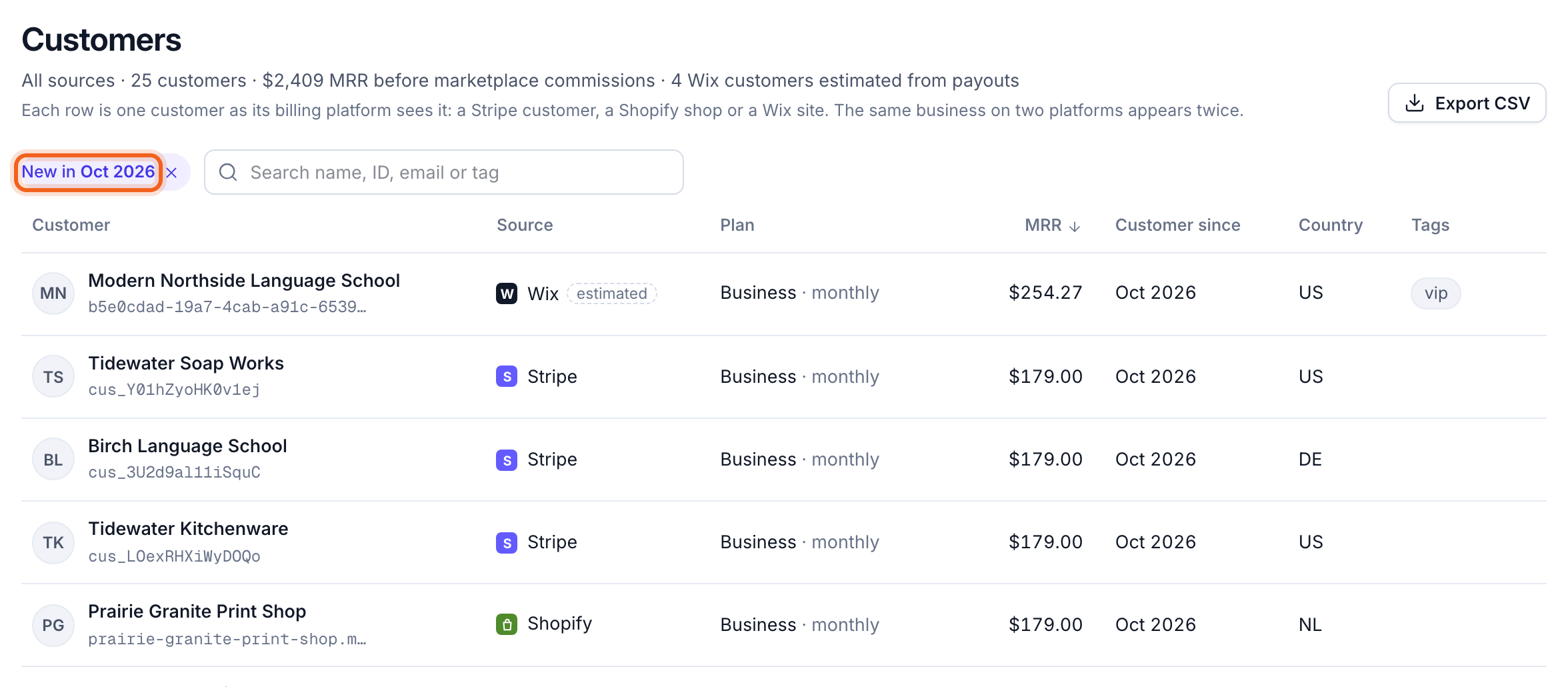
A customer’s history
Select a customer to open their details.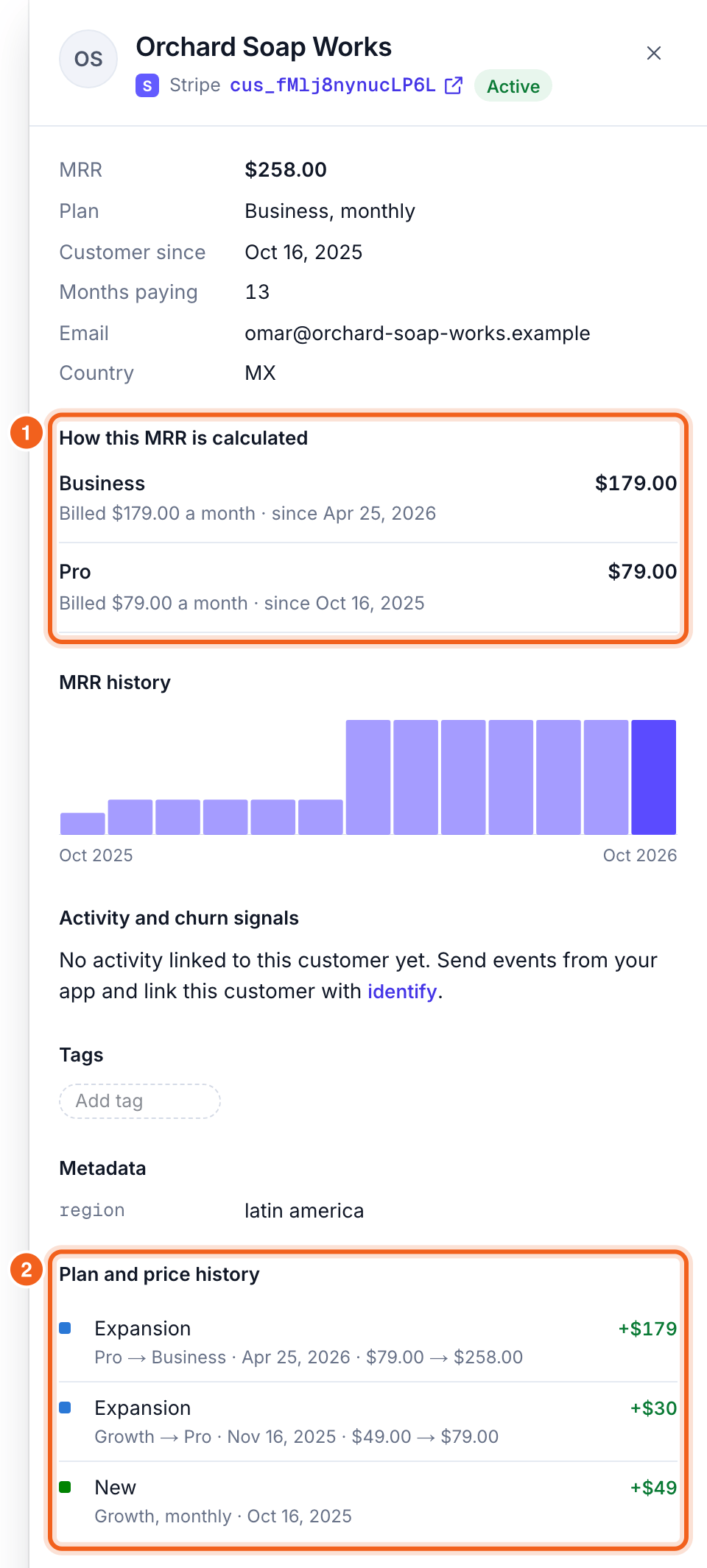
- How this MRR is calculated shows the sum, such as “Billed $300.00 a year ÷ 12 = $25.00 a month”.
- Plan and price history lists every plan change, discount and cancellation, with dates.