Discounts
MRR is what customers actually pay, after coupons and discounts. When a platform reports the list price too (Stripe does), the Overview shows what discounts cost you each month: “$X a month in discounts (N% off list price)”.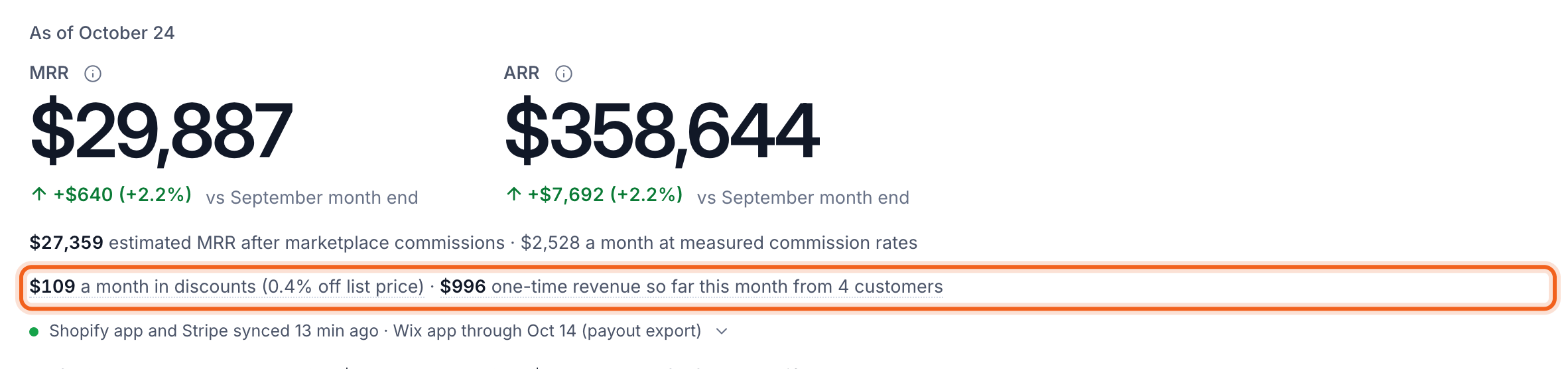
One-time revenue
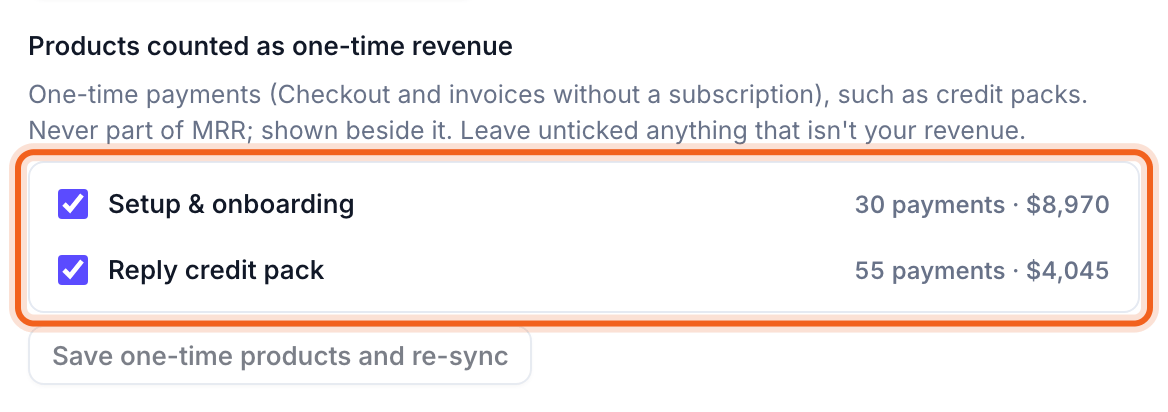
Setup fees, credit packs and other one-off payments are revenue, but never MRR. The Overview shows them separately: “$X one-time revenue so far this month from N customers”. For Stripe, choose which products count under Products counted as one-time revenue on the Stripe card on Connections, then select Save one-time products and re-sync. Leave unticked anything that isn’t your revenue.