Read the summary
Pick a platform at the top. The summary shows OneMRR’s MRR, the platform’s own MRR (read live, or the dashboard figure you enter), and the difference, followed by a sentence on the main reason.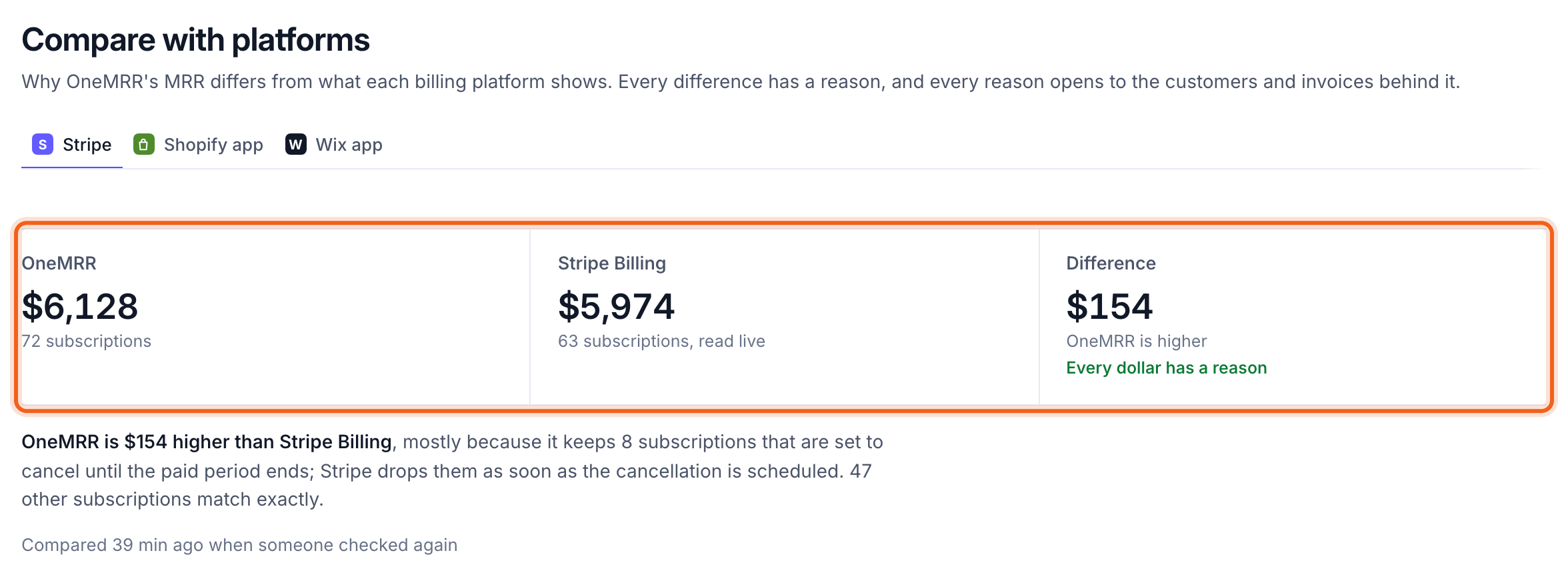
From one number to the other
From OneMRR to Stripe Billing walks from OneMRR’s total to the platform’s in steps. Each step is one reason with its amount and the number of subscriptions involved. Steps are marked as a different rule (both are right, they just count differently), timing (one side hasn’t caught up yet) or rounding. Common reasons:
Below the steps, OneMRR notes what both sides count the same way: past-due subscriptions, trials, and refunds and credit notes, which change neither side’s MRR and show on Collections.
The customers behind each reason
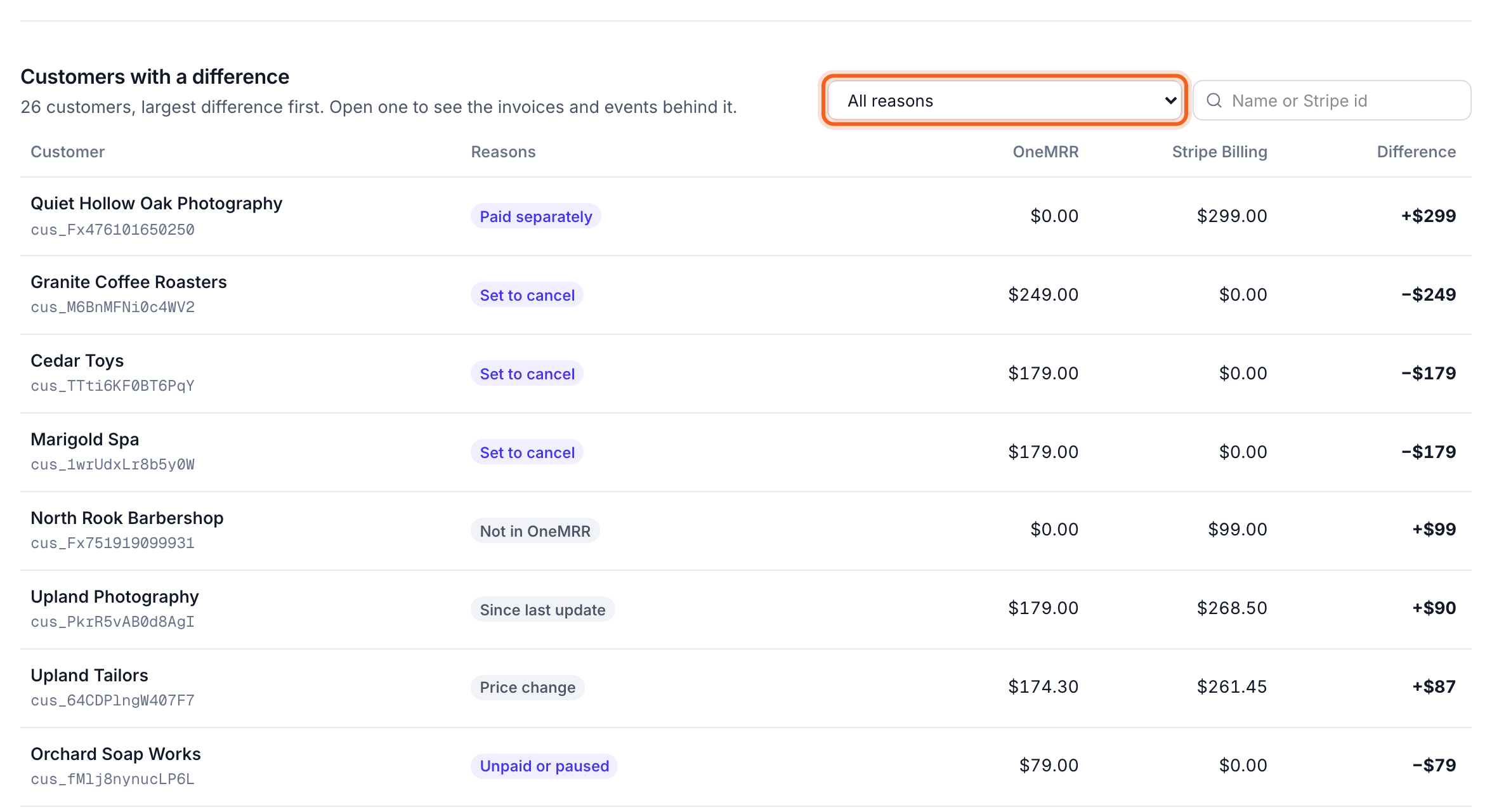
Customers with a difference lists every customer whose MRR differs, largest difference first, with the reason. Filter by reason or search. Open a customer to see the invoices and events behind their difference.