

1
Connect your billing platform
Sign up, then pick a platform on Get started: Stripe for direct billing, Shopify or Wix for app-store billing. Paste a read-only key (Stripe), your Partner API details (Shopify) or a payout export (Wix). You can add more platforms, or several accounts on one platform, later.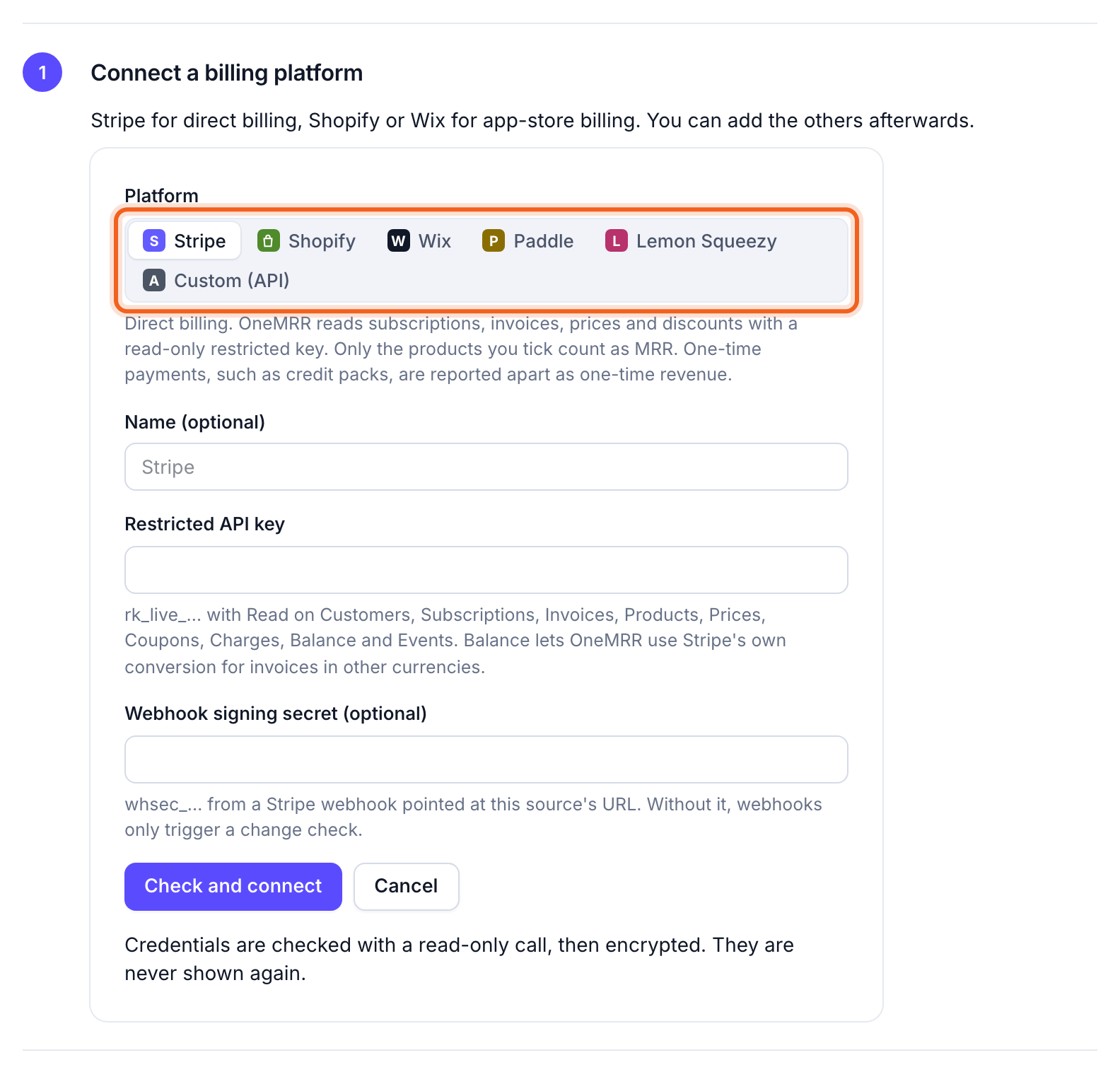
2
Let the first import run
OneMRR reads your full billing history. Progress shows on Get started and in the sidebar, and you can leave the page while it runs. After that, it checks each platform for changes every 10 minutes and reads only what changed.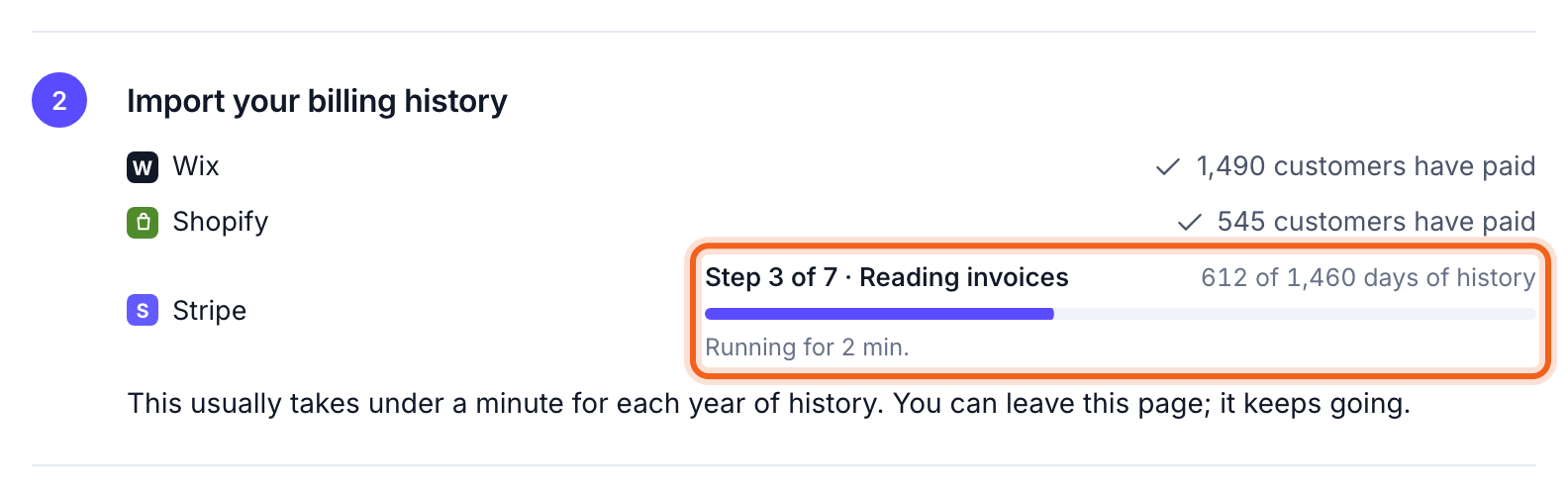
3
Check your MRR
When the import finishes, Get started shows your MRR next to what each platform reports. Select This looks right, or Something looks off for the usual causes. Compare with platforms explains every remaining difference, customer by customer.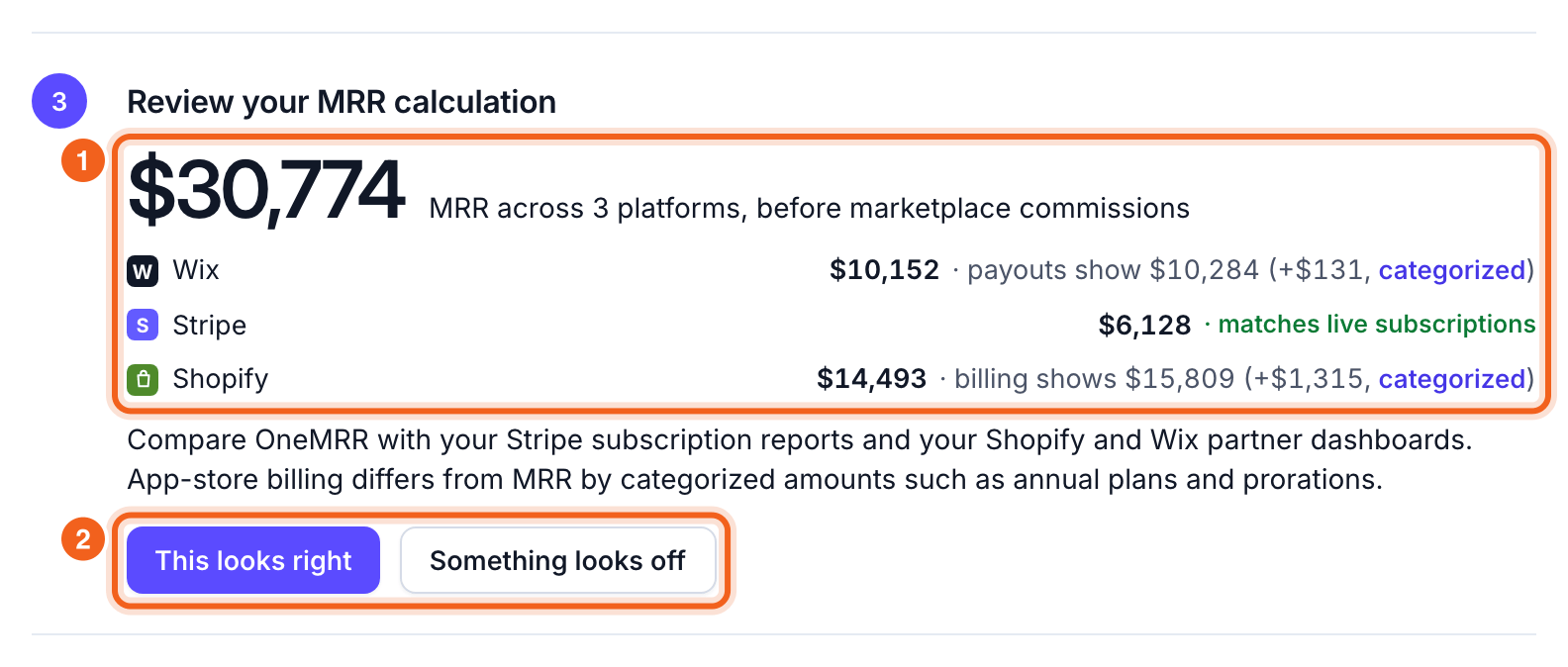
4
See what moves your MRR
The Overview shows MRR, ARR and the revenue trend. The MRR bridge shows how you got from last month’s MRR to this month’s. Select any movement to see the customers behind it.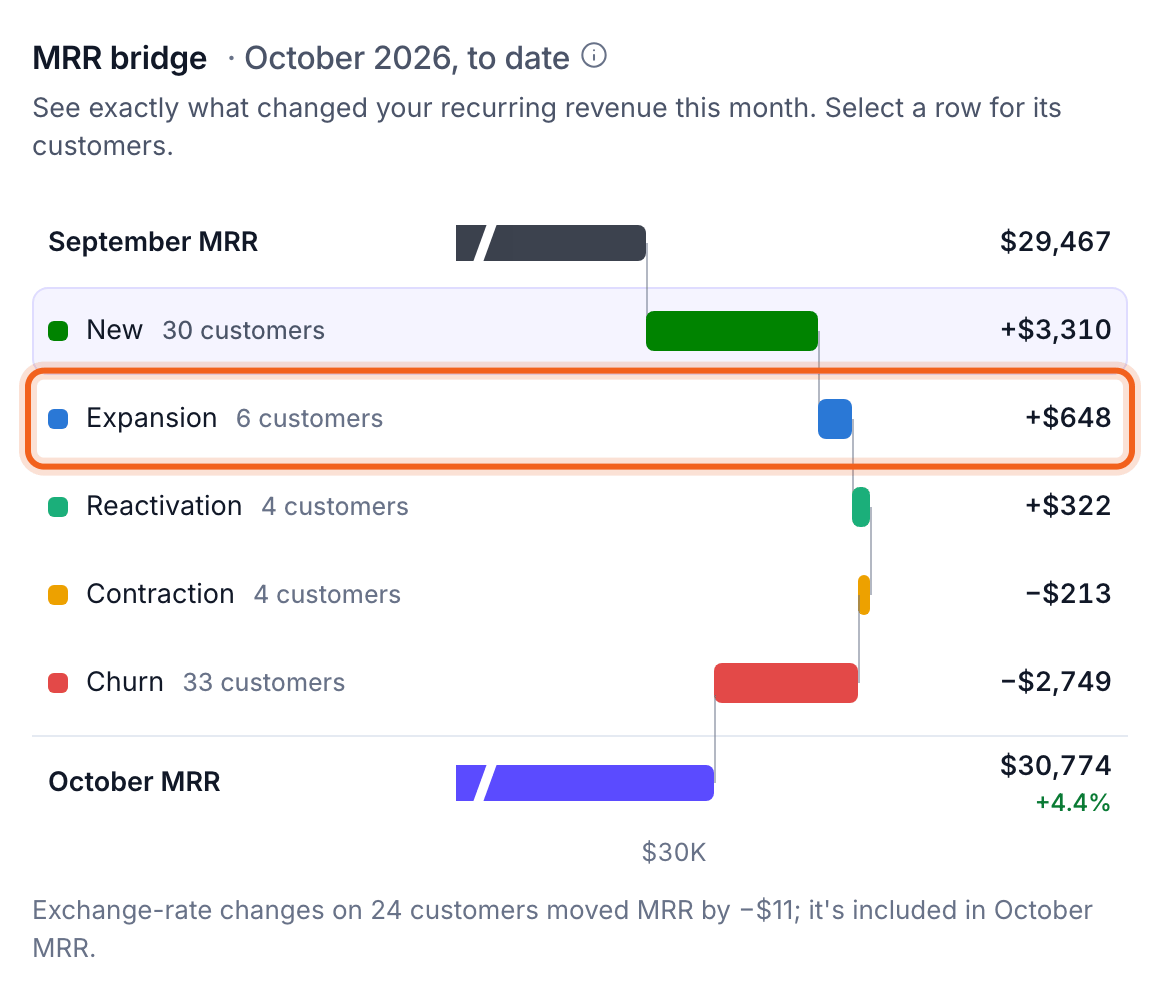
5
Split revenue your way (optional)
Plan, Source, Billing interval and Country work with no setup. To split by sales channel, product line or anything in your billing metadata, open Settings → Breakdowns and counting: OneMRR suggests breakdowns from your data. If one customer pays for several shops, stores or seats, set Count customers by there too.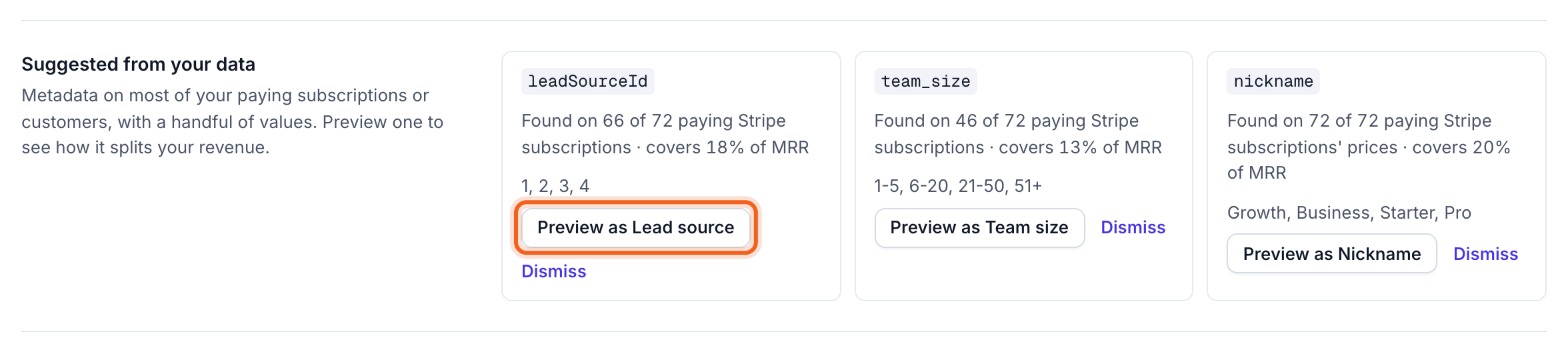
6
Invite your team
Under Team, invite people by email as a member or an admin. They get an email with a link to join; you can also copy the link yourself.Team and invites →
Next
Churn signals and retention
Catch customers before they leave.
Insights
Let a weekly check tell you what changed and why.